How it works
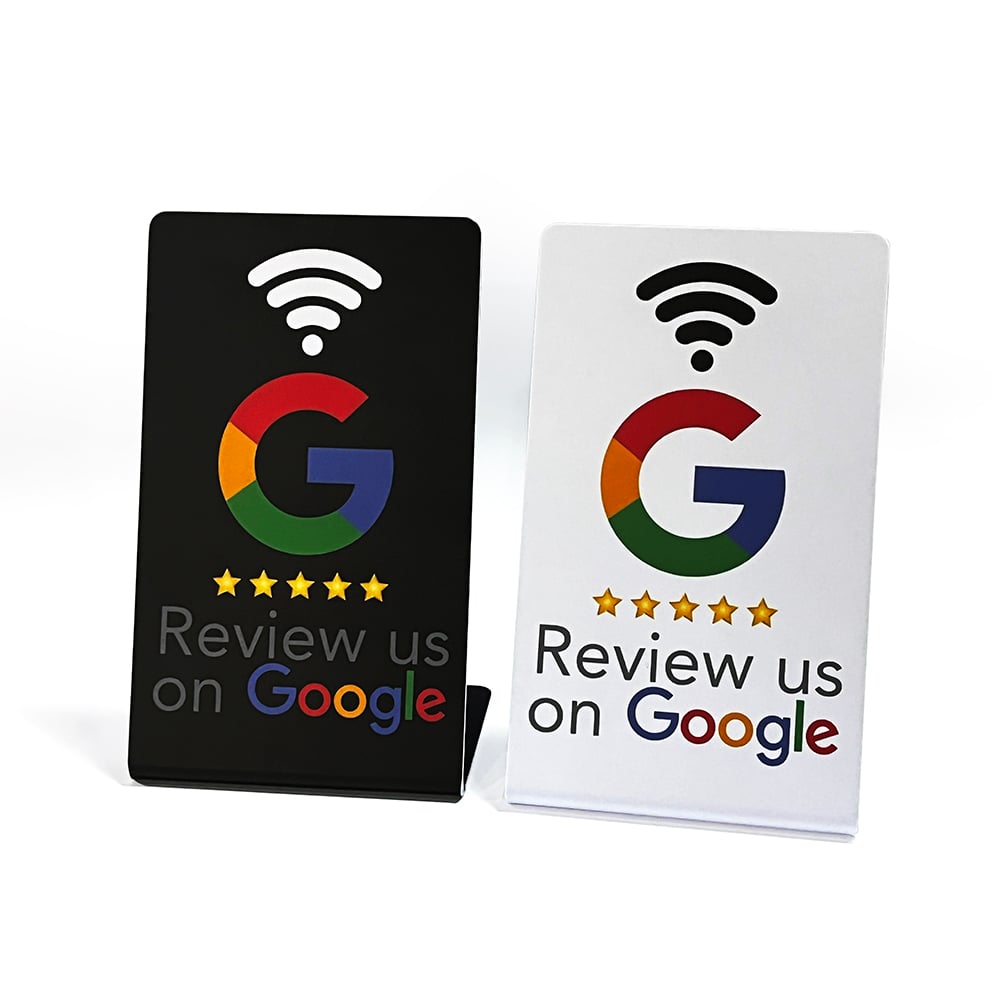
Your customer taps. They're on Google. That's it.
Most review stands make your customer click through an extra screen before they ever reach Google. Every extra step loses reviews. Veloxly skips the extra step.
Why other stands lose you reviews
Here's what your customer actually sees with each type of stand.
- 1They tap the stand with their phone
- 2An extra page pops up with the seller's branding
- 3They have to read it and tap again
- 4Now they're finally on Google
- 5One in five customers quits before they get there
- 1They tap the stand with their phone
- 2They land on your Google review page. Done.
One tap. No extra screen. No logos in the way. Just Google.
- No app for the customer to install
- No subscription for you
- Average time to Google: under 1 second
Setting up takes 30 seconds
You do this once, when your stand arrives. Your customers never see this part — it's just for you.
Open your phone camera and scan the QR code on the back of the stand
It opens a page on our website. No app to download.
Paste in your Google review link
You'll find it in your Google Business Profile under “Get more reviews.” If you're not sure where that is, our support page walks you through it.
Tap “Activate my stand”
Your stand is live. Put it on the counter and let your customers do the rest.
What your customer experiences
They walk up to the counter, hold their phone near the stand, and their Google review page opens. They don't have to download anything, sign up for anything, or figure out which button to press. It just works.
If their phone is older or NFC isn't turned on, they can scan the QR code on the stand with their camera instead — same result.
What if things change?
- We're moving to a new location.
- Sign in to your dashboard and paste in the new Google link for the new location. Your stand is updated instantly — you don't need a new stand.
- We set up a brand new Google Business Profile.
- Same thing — update the link in your dashboard. The stand itself doesn't change.
- We have more than one location.
- Use one stand per location. Each one can point to its own Google page, so every review goes to the right listing.
- What if the internet is down in the shop?
- The customer's phone only needs a connection — yours doesn't. As long as their phone has signal or Wi-Fi, the stand works.
Works on pretty much every phone
- All iPhones from the last ~7 years
- Almost every Android phone
- QR code backup for older phones
- No app to install. Ever.